Monthly working hours in Italy 2026 and 2027: days and hours by month
Working days and hours for every month of 2026 and 2027 on a 40-hour week, net of Italian national holidays: tables, yearly totals and how to use them.
Published 6 min read
How many hours does an employee work in March? And in December, with the Immaculate Conception and Christmas? To plan shifts, estimate staff cost or work out FTEs you need a clear figure for each month. Here are the working days and hours of every month of 2026 and 2027, calculated for a standard Monday-to-Friday week.
Assumptions
The tables apply to a full-time employee on this schedule:
- 40 hours a week over five days, Monday to Friday, i.e. 8 hours a day. The 40 hours are the normal working time set by art. 3 of Legislative Decree 66/2003; collective agreements may set a shorter duration.
- National public holidays that fall Monday to Friday are not worked and are taken out of the count. There are 13 in the calendar: from 2026 this includes 4 October, St Francis of Assisi (Law 151/2025, in force from 1 January 2026), added to the others in art. 2 of Law 260/1949 as amended by Law 54/1977, Presidential Decree 792/1985 and Law 336/2000. See our guide to working on public holidays.
- Holidays on a Saturday or Sunday do not change the count, because those days are not working days already. Easter Sunday always falls on a Sunday: only Easter Monday (lunedì dell’Angelo or Pasquetta) counts.
- The local patron saint is not included: it is a local holiday, and how it is treated is decided by the CCNL (the collective agreement). If your municipality has one on a weekday, take 8 hours off that month.
2026
Holidays Monday to Friday: 1 January (Thursday), 6 January (Tuesday), Easter Monday 6 April, 1 May (Friday), 2 June (Tuesday), 8 December (Tuesday), 25 December (Friday). Falling on a weekend: Easter (5 April), 25 April, 15 August, 4 October, 1 November and 26 December.
| Month | Calendar days | Mon-Fri days | Mon-Fri holidays | Working days | Hours (8 h a day) |
|---|---|---|---|---|---|
| January | 31 | 22 | 2 | 20 | 160 |
| February | 28 | 20 | 0 | 20 | 160 |
| March | 31 | 22 | 0 | 22 | 176 |
| April | 30 | 22 | 1 | 21 | 168 |
| May | 31 | 21 | 1 | 20 | 160 |
| June | 30 | 22 | 1 | 21 | 168 |
| July | 31 | 23 | 0 | 23 | 184 |
| August | 31 | 21 | 0 | 21 | 168 |
| September | 30 | 22 | 0 | 22 | 176 |
| October | 31 | 22 | 0 | 22 | 176 |
| November | 30 | 21 | 0 | 21 | 168 |
| December | 31 | 23 | 2 | 21 | 168 |
| Total 2026 | 365 | 261 | 7 | 254 | 2,032 |
2027
Holidays Monday to Friday: 1 January (Friday), 6 January (Wednesday), Easter Monday 29 March, 2 June (Wednesday), 4 October (Monday), 1 November (Monday), 8 December (Wednesday). Falling on a weekend: Easter (28 March), 25 April, 1 May, 15 August, 25 and 26 December.
| Month | Calendar days | Mon-Fri days | Mon-Fri holidays | Working days | Hours (8 h a day) |
|---|---|---|---|---|---|
| January | 31 | 21 | 2 | 19 | 152 |
| February | 28 | 20 | 0 | 20 | 160 |
| March | 31 | 23 | 1 | 22 | 176 |
| April | 30 | 22 | 0 | 22 | 176 |
| May | 31 | 21 | 0 | 21 | 168 |
| June | 30 | 22 | 1 | 21 | 168 |
| July | 31 | 22 | 0 | 22 | 176 |
| August | 31 | 22 | 0 | 22 | 176 |
| September | 30 | 22 | 0 | 22 | 176 |
| October | 31 | 21 | 1 | 20 | 160 |
| November | 30 | 22 | 1 | 21 | 168 |
| December | 31 | 23 | 1 | 22 | 176 |
| Total 2027 | 365 | 261 | 7 | 254 | 2,032 |
In 2027 4 October falls on a Monday: it is the first year in which the new holiday removes a working day. Both years end at 254 days and 2,032 hours: the split between months changes, the total does not.
What these tables do not say
- They are theoretical hours, before absences. Vacation, ROL (paid leave hours), sickness, leave and other absences are not taken out: the hours actually worked are fewer. As an assumption, four weeks of vacation on a five-day week are 20 days, i.e. 160 hours to deduct from the 2,032: the real figure depends on the vacation rules of your CCNL and how it treats holidays that fall during vacation.
- Saturday work and part-time change the count. On a six-day contract, or a reduced schedule, you need different days and hours. For part-time, scale the hours: see part-time work in Italy.
- Monthly pay does not depend on these hours. Monthly salary is fixed: it does not drop in a 20-day month or rise in a 23-day one. The CCNL divisors, such as 168 or 173, are used to derive the hourly rate and do not measure hours worked: the average working hours above are 169.3 a month (2,032 ÷ 12), a different number with a different purpose. See hourly rate and hourly divisor.
How to use the tables
- Plan shifts. Start from the month’s hours to see coverage. For the rules on rest and shifts see our guide to shift planning.
- Budget hours. Multiply the month’s hours by the number of employees to estimate capacity, then take out planned vacation and other absences. For full-time equivalents there is the FTE calculator.
- Compare with the timesheet. The hours recorded in a month read better next to the theoretical hours: a gap points to overtime, absences or data to check. For a period that is not a whole month use the working days calculator and the hours worked calculator.
- Check the dates. Easter and the year’s other dates are in the public holidays calendar.
Mistakes to avoid
- Using 30 days for every month. Working days range from 19 to 23: a fixed-month calculation gets the hours wrong.
- Confusing these hours with the CCNL divisor. The divisor is for the hourly rate, not for counting hours.
- Forgetting the patron saint and company closures. They are not in the tables: add them to your own calendar.
- Applying the pattern to a different schedule. Part-time, six-day weeks and shifts have their own hours.
- Counting 4 October before 2026. The holiday has been in force since 1 January 2026.
How Chrono Desk does it
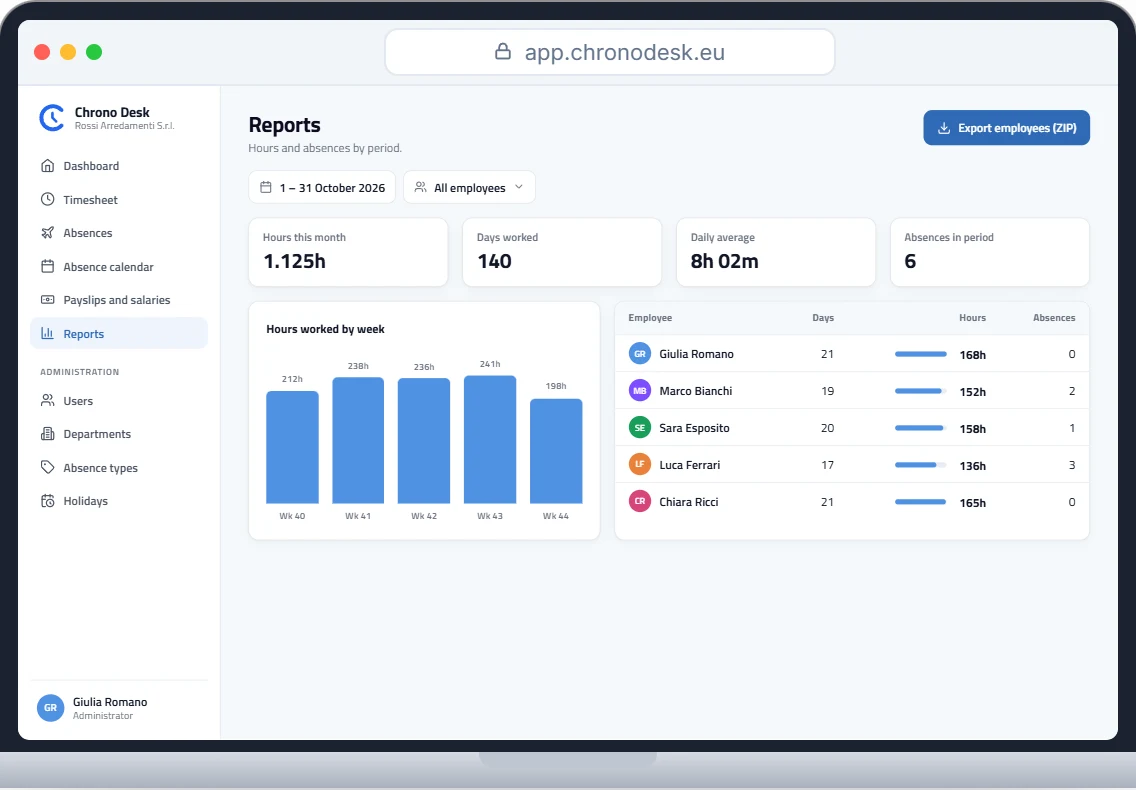
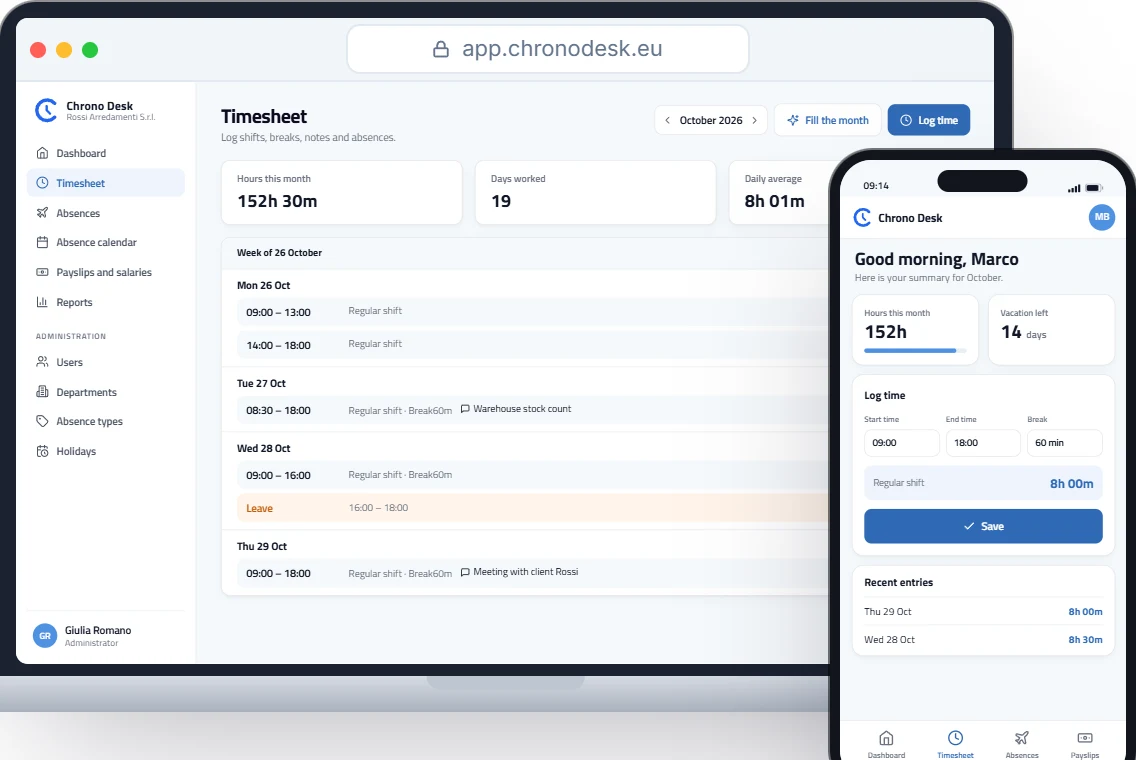
In Chrono Desk every employee records hours day by day and the calendar shows the company’s holidays, vacation and leave, so the month’s theoretical hours are already in front of you. The report shows hours worked, days and absences by period and by employee, with CSV export, and vacation and leave shows entitlement, used and remaining.
Want to see how it fits your schedule? Talk to us.
This guide is for information only and does not replace advice from your payroll consultant or the rules of your collective agreement.