Free Excel timesheet template: download the monthly timesheet
Download the free monthly timesheet in Excel: automatic dates, hours with breaks and night shifts, absences and a total in decimal hours.
Published 3 min read
If you keep your employees’ hours in a spreadsheet today, here is a ready-made template to download and use: free, in Excel format and without macros. It works out each day’s hours and the month’s total by itself, including breaks and night shifts.
Download the template
Download the template (Excel, .xlsx)
It is a sheet for one employee and one month. For another month, change the year and month at the top; for another employee, save a copy.
What it contains
- Year and month: the dates and weekdays fill in by themselves, with weekends highlighted.
- For each day: start, end, break in minutes, absence type (vacation, ROL, leave, sick leave, holiday, other) and notes.
- Hours worked: worked out automatically in hours and minutes. If the end is before the start, as in a night shift from 22:00 to 6:00, the sheet treats the shift as ending the next day.
- At the bottom: total in hours and minutes, total in decimal hours, days worked, hours due under the contract and the difference.
How to use it
- Enter the employee’s name, the year and the month.
- Enter the weekly hours in the contract and how many national holidays fall on working days in the month. For the list, use the holidays calendar.
- Each day, enter the start and end in the format 09:00 and the break in minutes.
- On days of absence, pick the type from the list and leave start and end empty.
- At the end of the month, read the totals at the bottom of the page.
Example
| Day | Start | End | Break | Hours worked |
|---|---|---|---|---|
| Monday | 09:00 | 18:00 | 60 min | 8:00 |
| Tuesday (night) | 22:00 | 06:00 | 0 min | 8:00 |
| Wednesday | 08:30 | 13:00 | 15 min | 4:15 |
| Total | 20:15, that is 20.25 decimal hours |
Decimal hours are what you multiply by an hourly rate: 4 hours 15 minutes is 4.25 hours, not 4.15. To convert other values use the hours and minutes converter.
The template’s hours due count the Monday-to-Friday days of the month, minus the holidays you enter, multiplied by one fifth of the weekly hours. The values are indicative: the actual schedule, leave and calculation rules depend on the CCNL that applies.
The limits of an Excel sheet
A spreadsheet is fine for a handful of employees, but it has limits:
- No checks: it does not warn you about missing breaks or rest, and does not compare a day with the previous one.
- Typing errors: a mistyped time changes the totals without anyone noticing.
- Several versions: every employee and every month is a separate file to collect and archive.
- Vacation and leave elsewhere: the balances sit in another file and are updated by hand.
- It is not the Libro Unico del Lavoro: the LUL (the single employment register) records hours and absences day by day with unambiguous reason codes (Decree-Law 112/2008, art. 39) and is normally kept by the payroll consultant. The sheet can be the source of the data, but it does not replace it. See Attendance records and the Libro Unico del Lavoro.
To see how to set up the timesheet and what your consultant needs at month end, also read Employee timesheets in Italy and Export hours for Italian payroll.
When to move to a management tool
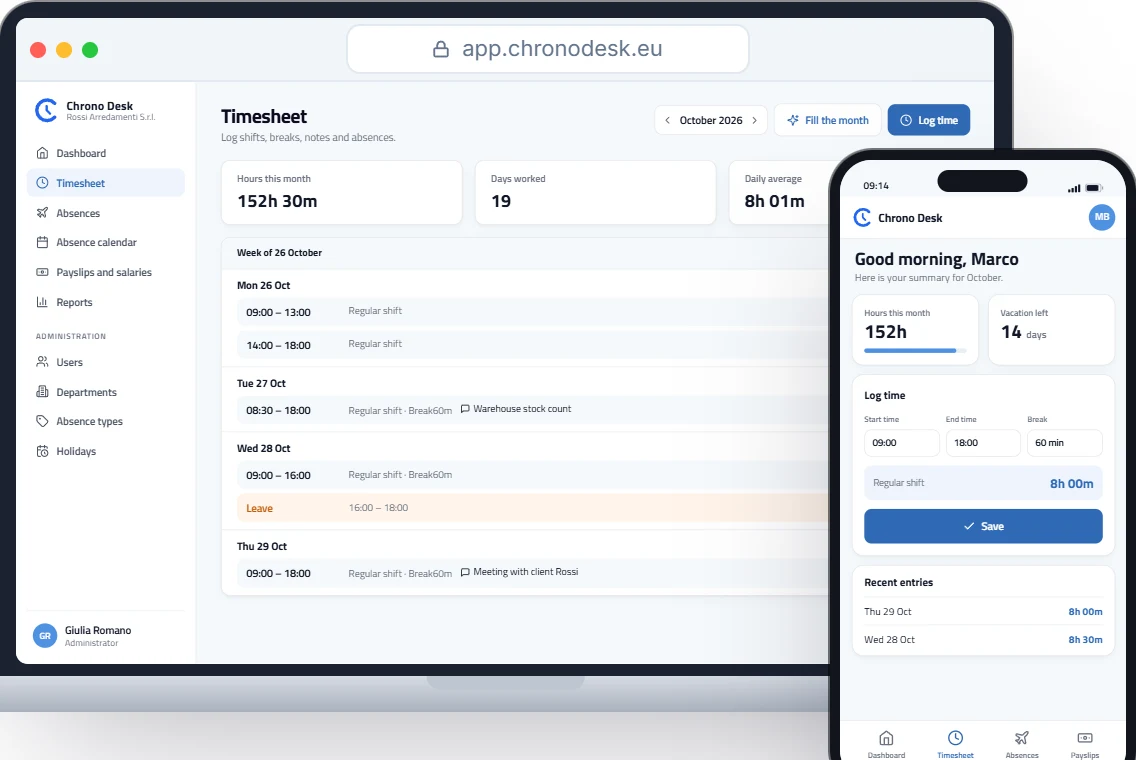
When the files multiply, a management tool makes sense. With Chrono Desk each employee records start and end with the break, or just the total hours, from the browser; hours are calculated automatically. Vacation and leave have entitlement, used and remaining always current, and the payroll consultant downloads reports as CSV. For a direct comparison see Chrono Desk vs Excel.
Want to see how it works with your team? Talk to us.
This guide is for information only and does not replace the advice of your payroll consultant or the rules of the CCNL that applies.