How to read an Italian payslip: the main items explained
How to read an Italian payslip: what the law requires, pay items, social contributions, tax, net pay and TFR, and how to check hours and leave.
Published 5 min read
The payslip (busta paga or cedolino) is the most-read and least-understood document of the employment relationship: many abbreviations, many numbers and one final figure everyone cares about, the net pay. Knowing how to read it helps employees check it and helps the company answer questions before they turn into errors to fix. Here is what it must contain and how its sections work.
What it must contain by law
Article 1 of Law 4/1953 requires employers to give employees, when wages are paid, a pay statement (prospetto paga), with managers (dirigenti) excluded. It must show:
- the worker’s first name, surname and job qualification;
- the period the pay refers to;
- family allowances and all the other elements that make up the pay;
- the individual deductions, shown separately;
- the collective agreement (CCNL) applied, identified by the single alphanumeric code provided for by art. 16-quater of Decree-Law 76/2020;
- the signature, initials or stamp of the employer or of whoever acts for them.
The law says “deliver” and does not require paper: that is why the payslip can also be digital, as our guide on digital payslips explains. The employer also complies by handing over a copy of the entries in the Libro Unico del Lavoro (LUL, the single employment register; art. 39, par. 5, Decree-Law 112/2008). The LUL must be kept for five years from the last entry (Ministerial Decree of 9 July 2008, art. 6), and the payroll consultant may keep it on the employer’s behalf. Employees are still wise to keep their own payslips.
The sections of a payslip
The layout changes from one payroll software to another, but the parts are always these.
1. Personal and employment details. Company, employee, tax code, hire date, job qualification, grade and applicable CCNL. Check them: a wrong grade changes the whole pay.
2. Pay items (competenze). This is the part that leads to gross pay. The items depend on the CCNL and the individual contract:
- Base pay (paga base, or minimo tabellare): the main item in the agreement’s tables.
- Contingenza and EDR: contingenza is the item born with the old scala mobile, the automatic wage indexation to the cost of living, abolished in 1992. Today in many agreements it shows as “ex contingenza” or is folded into the minimum pay. EDR (elemento distinto della retribuzione, “separate pay element”) is a fixed item provided for by agreements, distinct from base pay. Whether they are separate depends on the CCNL.
- Seniority increases (scatti di anzianità): raises tied to years of service, with frequency and amounts set by the CCNL.
- Superminimo: the part of pay above the agreement’s minimums, agreed individually. It can be absorbed by future raises unless the parties agreed otherwise or the collective agreement says so.
- Allowances and overtime: items provided by the CCNL for particular working conditions, and extra hours paid with the agreement’s premiums. For the maths see hourly rate and divisor and overtime rules.
3. Attendance and balances. Many payslips show hours and days worked, absences, and vacation, leave and ROL accrued, taken and remaining. The law cited above does not require them, but they are useful: compare them with your own records. To see what they are, read vacation and leave and ROL and ex-holiday leave.
4. Contributions and tax.
- INPS contributions borne by the employee: the employer is liable for paying the whole contribution, including the employee’s part, and withholds that part from pay (Law 218/1952, art. 19). They are calculated on the social security base (imponibile previdenziale), the pay subject to contributions (Law 153/1969, art. 12).
- Taxable base (imponibile fiscale): the amount on which IRPEF, Italian income tax, is calculated. As a rule it is obtained after removing mandatory social security contributions (TUIR, art. 51, par. 2, letter a).
- IRPEF, surtaxes and tax credits: the employer acts as withholding agent (sostituto d’imposta): it withholds IRPEF and the regional and municipal surtaxes, and applies tax credits (detrazioni) in the payslip. At year end, normally by February, the year-end adjustment (conguaglio) compares tax withheld with tax due.
Rates, brackets and amounts change: up-to-date data is on inps.it and agenziaentrate.gov.it.
5. Net pay. The total of pay items minus deductions: the amount to be paid, in a traceable way.
6. TFR and accruals. The year’s TFR accrual and the accrued 13th and 14th month pay often appear on the payslip or in its running totals. See TFR and 13th and 14th month pay.
Example: checking the hours
An illustrative example with invented numbers, for one month: compare the timesheet with the payslip.
| Item | Timesheet | Payslip | Result |
|---|---|---|---|
| Ordinary hours worked | 152 | 152 | ok |
| Vacation taken | 16 hours | 16 hours | ok |
| Overtime | 4 hours | 0 hours | to ask about |
If a figure does not match, tell the payroll consultant: it is often fixed in the following month.
Mistakes to avoid
- Looking only at net pay. A wrong grade or wrong hours show up in the pay items.
- Assuming the items are the same for everyone. Contingenza, EDR and seniority increases depend on the CCNL.
- Mixing up the social security base and the taxable base. They are two different bases.
- Not comparing vacation and leave balances with your own records.
- Reporting errors too late. The sooner they are reported, the less work to correct them.
How Chrono Desk does it
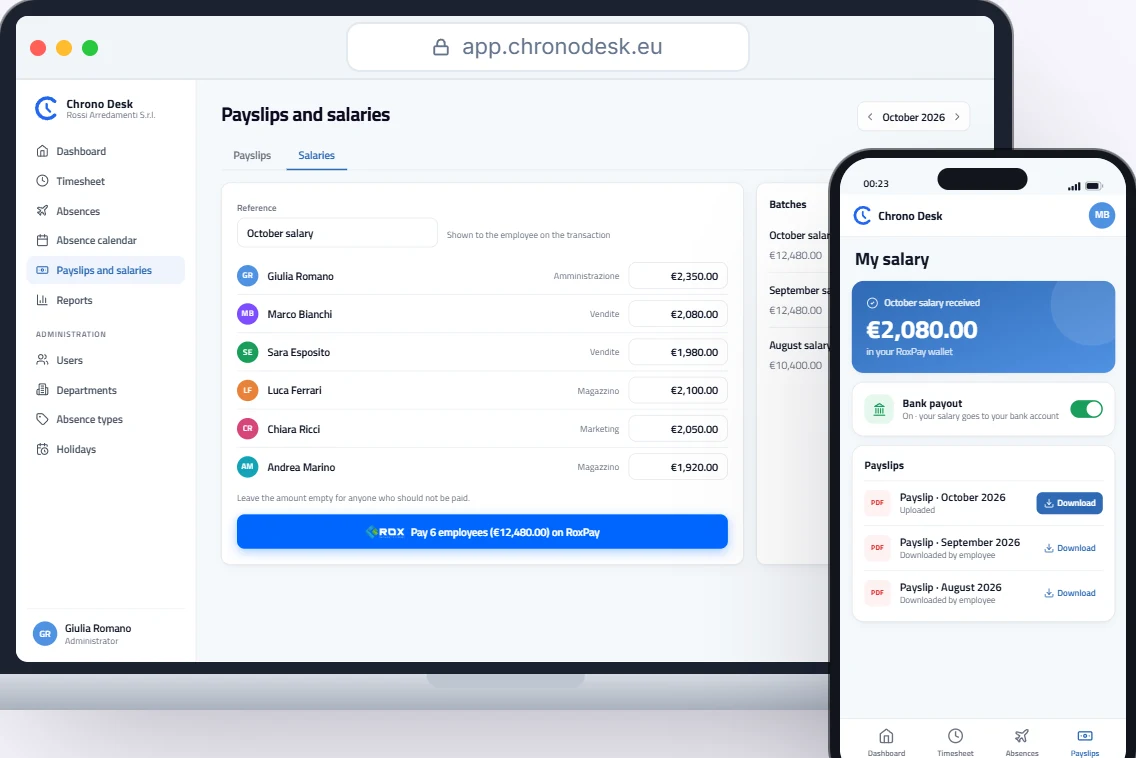
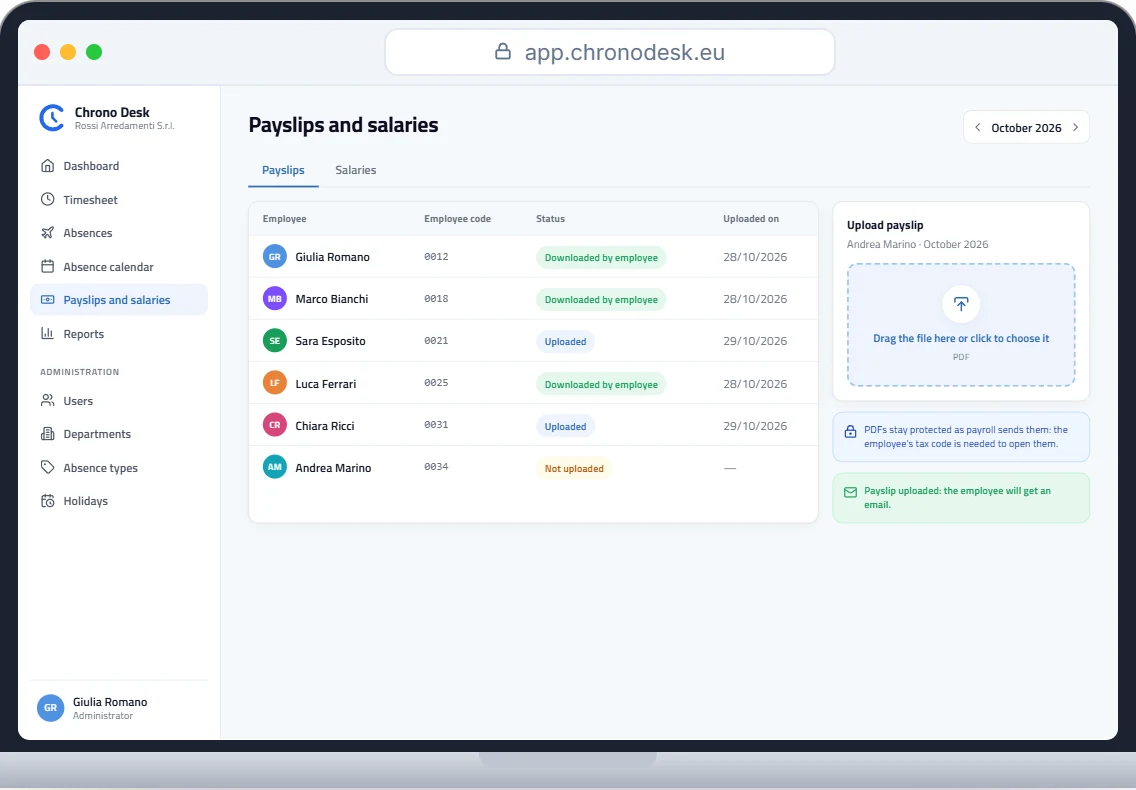
Payslips are prepared by your payroll consultant. With Chrono Desk they upload them as PDFs and each employee gets an email and downloads their own, older ones included, while you see who has already downloaded theirs. Payslips are visible only to the employee, administrators and the consultant, not to managers.
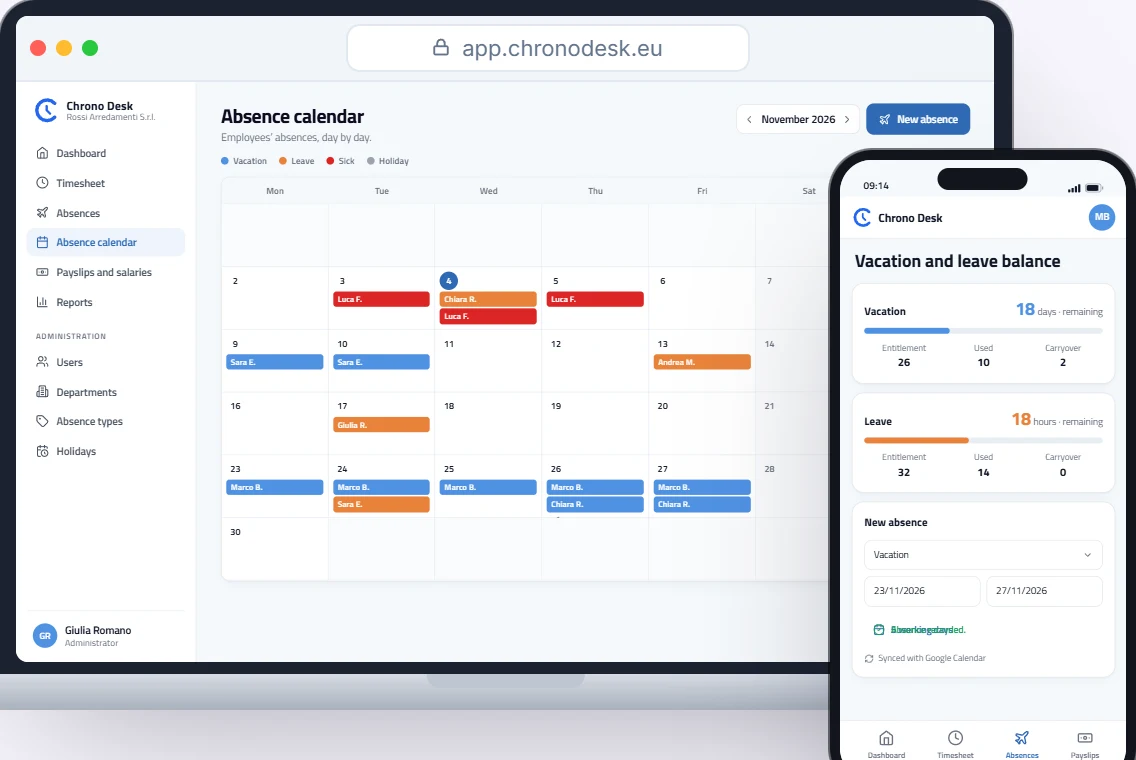
To check hours and absences, the report shows hours worked, days and absences by period and by employee, with CSV export; in vacation and leave each employee sees entitlement, used and remaining. Salaries are then paid from the company RoxPay account.
To see it with your company’s data, request a demo.
This guide is for information only and does not replace advice from your payroll consultant or the rules of the applicable collective agreement.