Attendance in restaurants and hotels: shifts, holidays and overtime
How to manage attendance and hours in restaurants, bars and hotels in Italy: split shifts, holiday and night work, seasonal staff, rest and time records.
Published 2 min read
Restaurants, bars and hotels have the hardest hours to track: split shifts between lunch and dinner, weekends and holidays always worked, seasonal staff, late closings followed by early openings. Yet the rules are the same as everyone else’s: what changes is how easy it is to slip up.
Why this sector is different
- Split shifts: two slots in one day, for example 11:00–15:00 and 18:00–23:00.
- Holidays and weekends: the busiest days, and the CCNL has specific treatment for them.
- Night work in hotels and evening venues.
- Seasonal and extra staff: short contracts, many arrivals and departures.
- Hours that change from week to week, based on bookings.
The relevant collective agreement is decisive: surcharges, compensatory rest and rules on hours are in your CCNL, not in general law.
Rules not to forget
The limits of Legislative Decree 66/2003 apply here too:
- 11 hours of rest in every 24: the typical case is someone who closes at midnight and reopens at 8am;
- weekly rest of 24 hours every 7 days;
- a break if the shift exceeds 6 hours;
- an average of 48 hours a week, overtime included.
For overtime, limits and surcharges are covered in the guide on how overtime works. For shifts, read also how to plan shifts.
What to record each day
- Start and end of each slot, including the breaks between slots.
- The type of day: weekday, holiday, night, so the consultant can apply the right surcharges.
- Absences and their type: vacation, leave, sick.
- Notes on exceptions: a private event that ran late, a replacement.
If you record everything from memory at month end, mistakes in this sector are almost certain.
Frequent mistakes
- Split shifts recorded as a single block, with the break counted as worked time.
- Holidays not flagged, so not paid with the surcharge due.
- Seasonal staff with no hours recorded, because “they’re only here a short while”.
- No check on rest between closing and opening.
How Chrono Desk does it
With Chrono Desk:
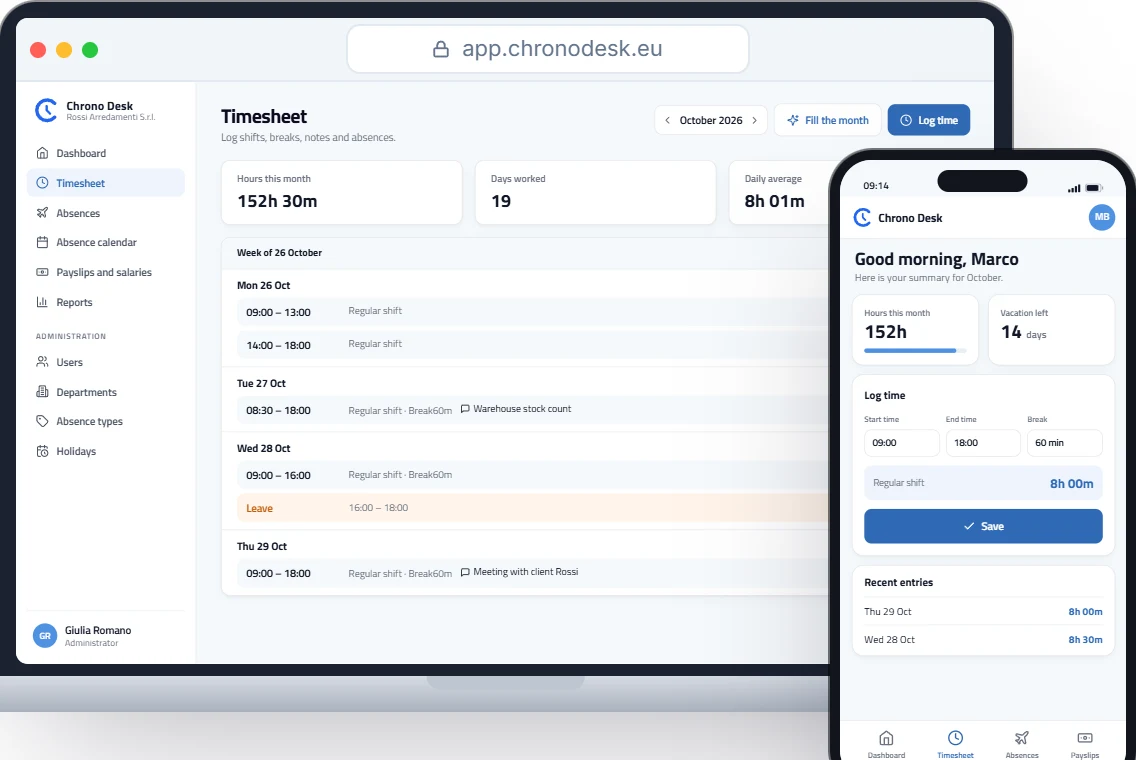
- each employee’s custom schedule allows several slots in one day, ideal for split shifts;
- every shift has a note to explain the exception;
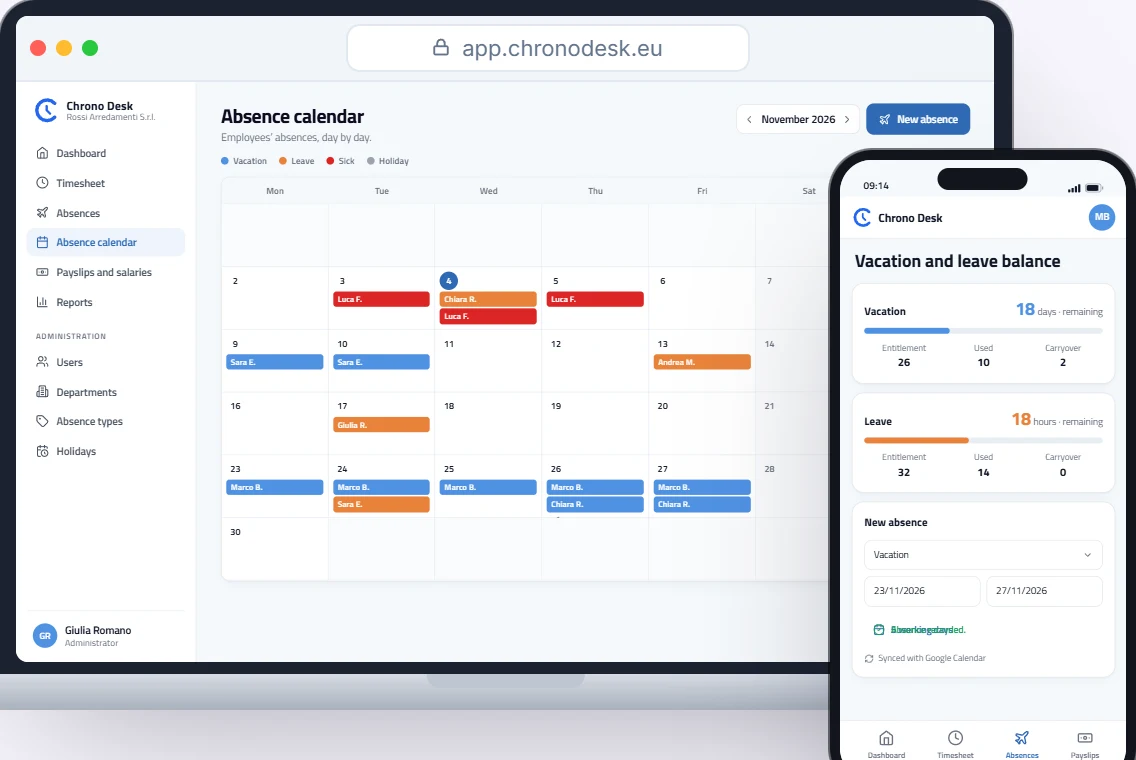
- holidays are set in the company calendar and absences live in the same place as hours;
- the record works from a smartphone with nothing to install, even for people in the dining room or kitchen;
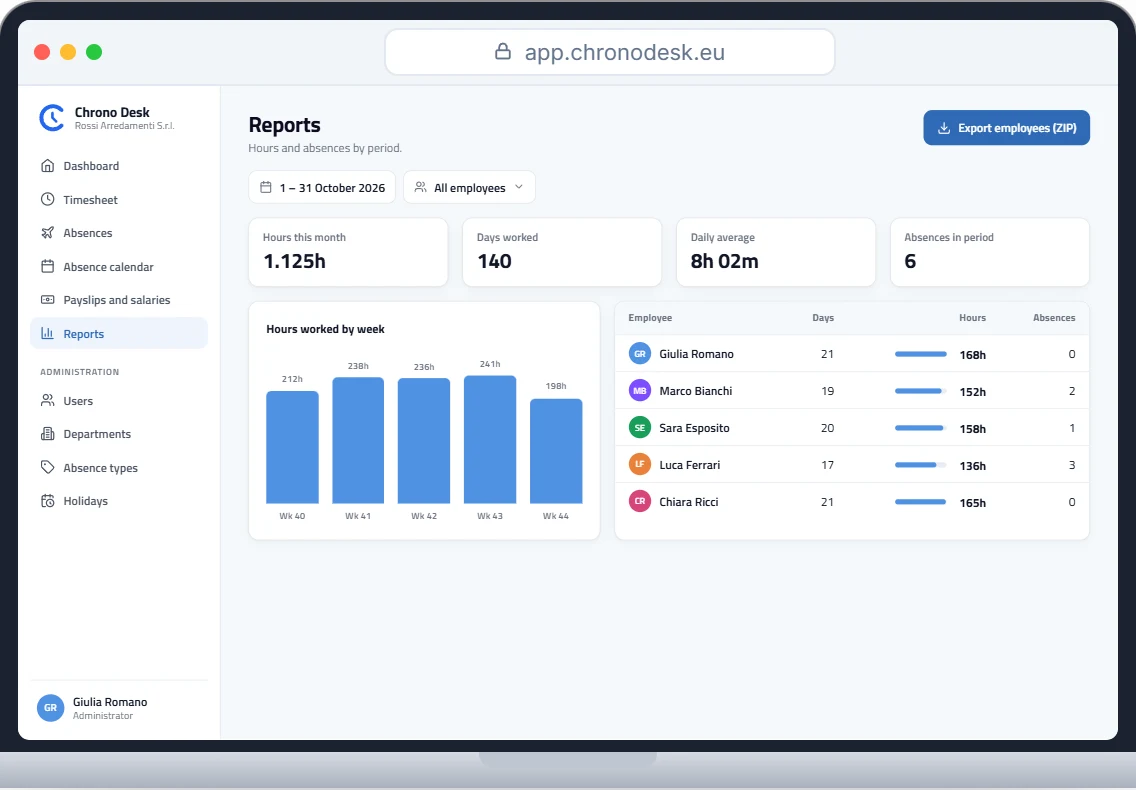
- the consultant downloads reports in CSV by period and employee.
Want to see how it works for your venue? Request a demo.
This guide is for information only and does not replace advice from your payroll consultant or the rules of your collective agreement.