Attendance in shops: hours, shifts and part-time
How to manage attendance and hours in a shop in Italy: rotating shifts, Sundays and holidays, part-time, vacation and leave, and recording staff hours.
Published 2 min read
A shop is open more hours than any one person works. That means rotating shifts, different hours from person to person and many part-timers. It is the kind of organisation where a spreadsheet soon shows its limits.
What makes retail different
- Longer opening hours than any employee’s hours: shifts have to alternate.
- Sundays and holidays: when people work and how it is compensated is set by the applicable CCNL and, in part, company agreements.
- Many part-timers, with different hours and days for each.
- Peaks at certain times of year (sales, Christmas), with more frequent overtime.
- Vacation to fit in, especially in summer and at year end.
The basic rules
The general limits of Legislative Decree 66/2003 apply: 11 hours of rest in every 24, weekly rest of 24 hours, a break beyond 6 hours of work, a maximum average of 48 hours a week.
For part-time there are specific rules (Legislative Decree 81/2015): changes to hours and supplementary work follow precise conditions, often defined by the CCNL. Some agreements also provide tools such as an hours bank.
For overtime read the guide on how it works, and for shifts how to plan them.
Keeping hours under control
With more people and different hours, a few rules help:
- A personal schedule for each person: weekly hours, days and slots.
- Record real hours, not just planned ones.
- Flag Sundays and holidays so surcharges and rest aren’t forgotten.
- Keep vacation in the same calendar as hours, to avoid coverage gaps.
- Calculate balances in hours for part-timers: our accrued vacation calculator helps and works in hours too.
For the year’s calendar you also need the list of public holidays, with bridge days.
The most common mistakes
- One schedule for everyone in the timesheet, even for part-timers.
- Sunday hours not flagged, so paid without surcharge or recovery.
- Vacation approved verbally, which doesn’t show in the calendar.
- Overtime found at month end.
How Chrono Desk does it
With Chrono Desk:
- for each employee you set contract, weekly hours and a custom schedule, part-timers included;
- everyone logs hours from the browser or smartphone, with the break and a note for exceptions;
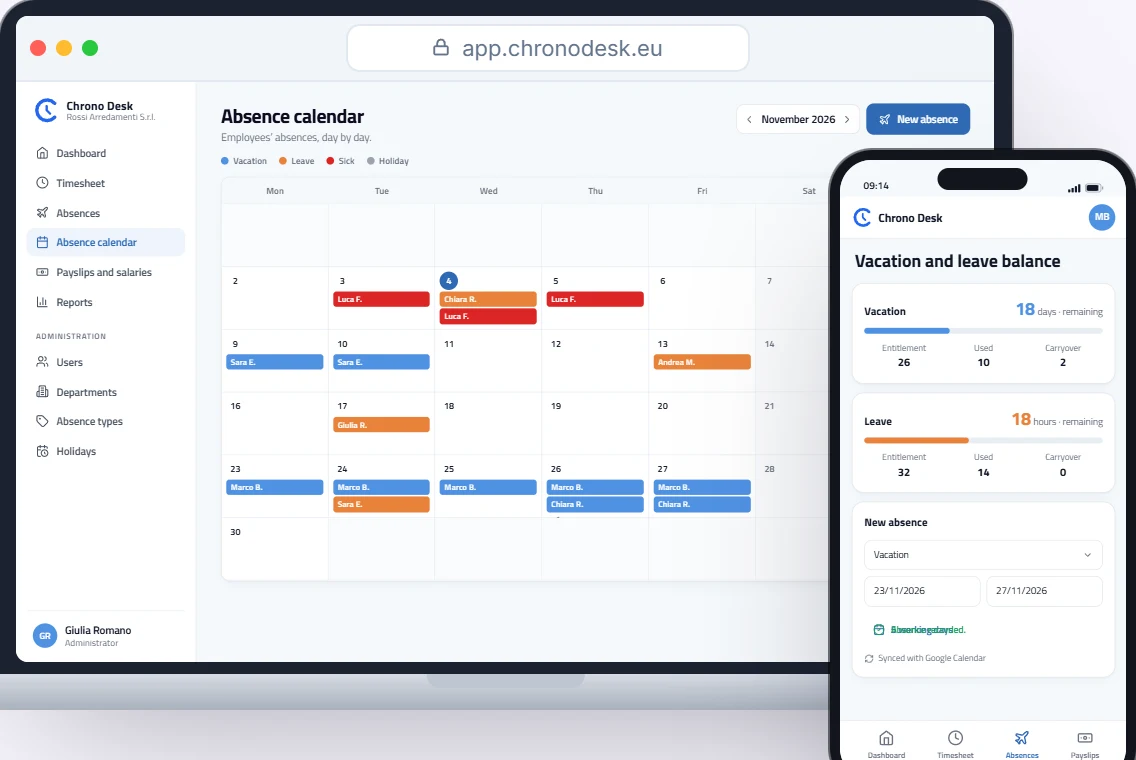
- vacation, leave and sick days are managed in days or hours, with balances and a team calendar;
- the shop manager sees their team’s hours and absences;
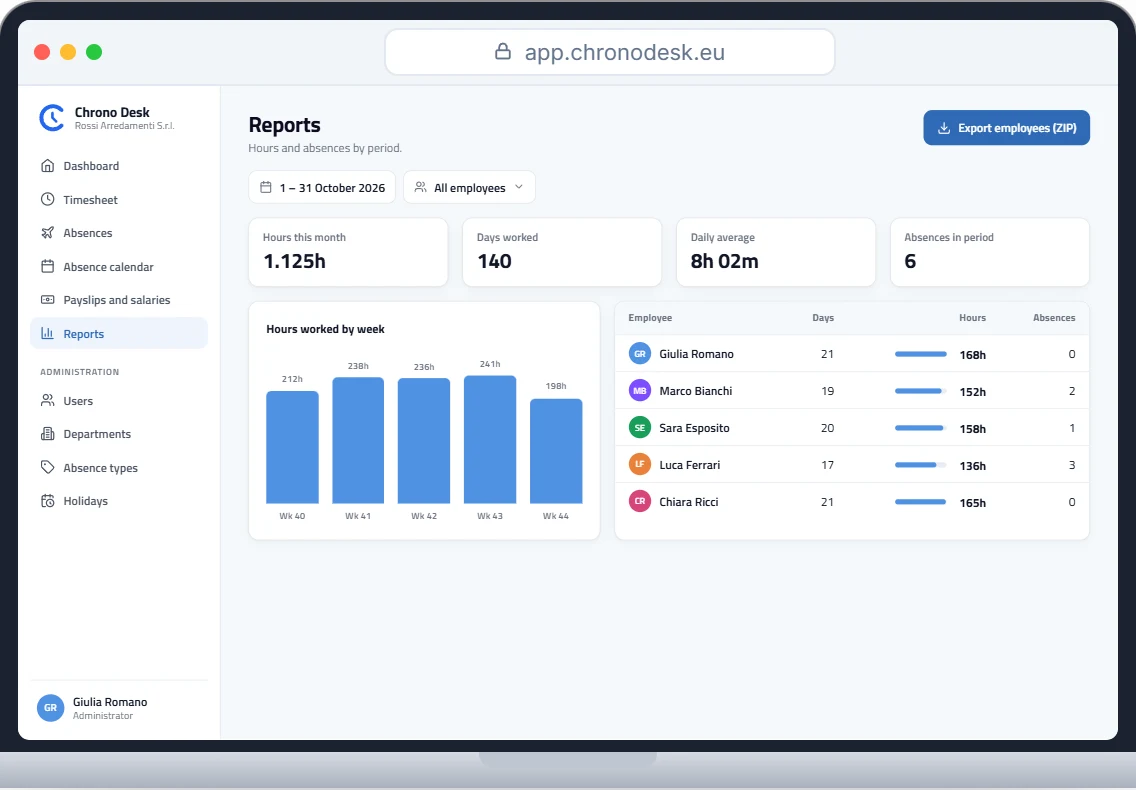
- the consultant downloads reports in CSV by period.
Want to see how it works for your shop? Request a demo.
This guide is for information only and does not replace advice from your payroll consultant or the rules of your collective agreement.