Remote work in Italy: how to track attendance and hours
Remote work and working hours in Italy: what Law 81/2017 says, what goes in the agreement and how to record the hours of people working from home.
Published 2 min read
With remote work the employee works, wholly or partly, outside the office. The place changes, but the need to know how many hours were worked and which days were done remotely does not. Here is what the law says and how to get organised.
What the law says
In Italy, smart working (lavoro agile) is governed by Law 81/2017. The main points:
- it is based on a written individual agreement between company and employee;
- work is done without strict constraints on hours or place, but within the limits of maximum duration of daily and weekly hours set by law and the collective agreement;
- the agreement must cover, among other things, rest periods and measures that guarantee disconnection from work tools;
- the employee has equal pay and treatment compared with people working on site;
- the company must report the agreements electronically to the Ministry of Labour.
The duty to protect health and safety also remains: every year the company gives the remote worker and the safety representative a written notice on risks.
What to put in the agreement
A good remote-work agreement clarifies, simply:
- which days are worked remotely (fixed, rotating, on request);
- contact hours and disconnection hours;
- how hours are recorded, and who checks;
- what equipment the company provides;
- how absences, vacation and sick leave are reported.
Recording the hours of remote staff
The difficulty is that nobody sees when a colleague starts and stops. So it helps to have a simple method that is the same for everyone:
- an online record reachable from a browser and smartphone, with nothing to install;
- the employee enters the day’s start, end and break, or just the total hours;
- the location goes in the notes, for example “remote” or “office”;
- vacation and leave live in the same record, so the month is complete.
Less paperwork, fewer emails and fewer doubts about the month’s hours. For the general picture read the guide on employee timesheets.
Mistakes to avoid
- Verbal-only agreements, which don’t meet the law.
- No record of hours for people working from home: working time is still subject to legal limits.
- Estimated hours: “9 to 6 every day” written once for the whole month.
- Vacation and remote days mixed in one calendar without distinction.
How Chrono Desk does it
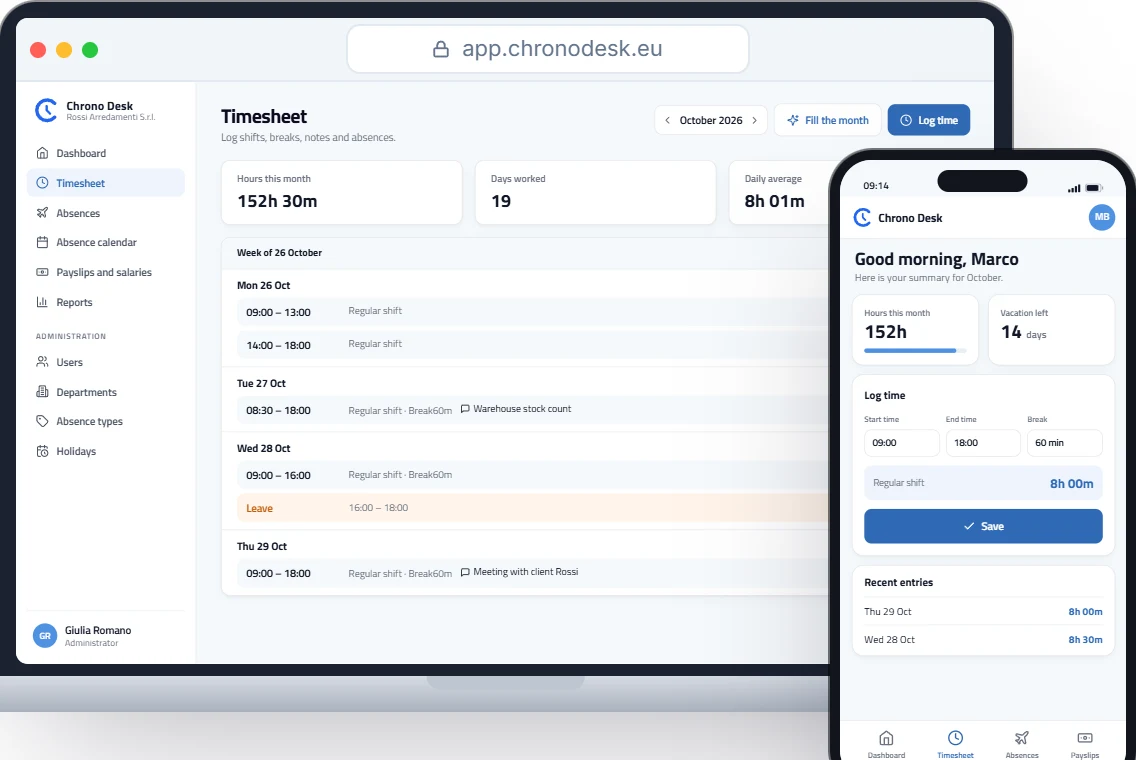
Chrono Desk runs in the browser, including on a phone:
- employees log start, end and break from home or the office, with a note on each shift (for example “remote”);
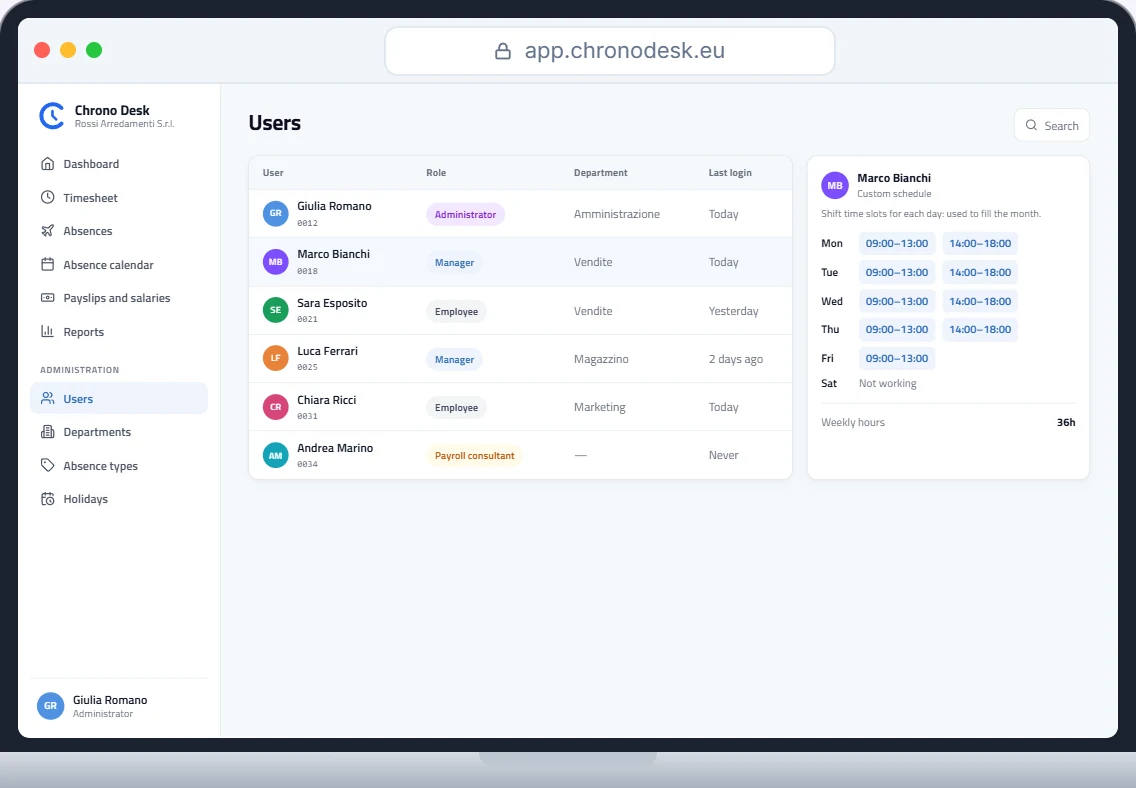
- “Fill the month” fills the timesheet from the custom schedule and only exceptions need fixing;
- vacation, leave and sick days live in one place, with balances always up to date;
- the payroll consultant downloads reports by period.
To try it, request a demo.
This guide is for information only and does not replace advice from your payroll consultant or the rules of your collective agreement.